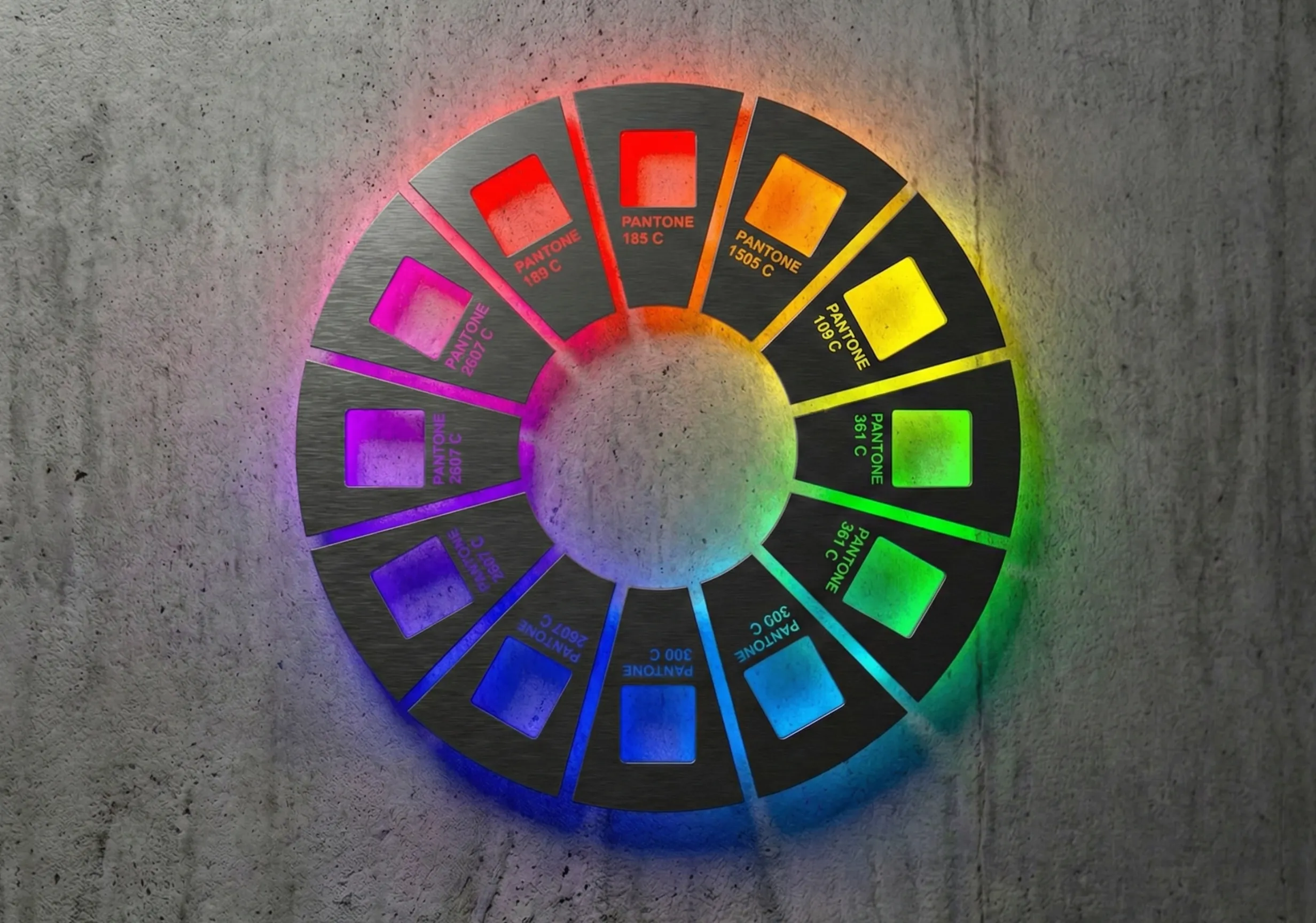
Colour is usually the first thing a visitor takes in, and they react to it before they’ve read a word. The right palette makes a site feel trustworthy and easy to use, and it quietly points people at the next step. The wrong one can make a capable business look cheap, or bury the one button you need clicked. Choosing well comes down to three things: what your brand needs to say, who’s looking, and whether everyone can actually read it.
Why colour matters more than it seems
Think about the last time you landed on a site for a bank, a solicitor or a software company you’d never heard of. Within a second or two you’d decided whether it looked like a serious business. Very little of that came from the copy. It came from the layout, the photography and, above all, the colour.
Colour does three jobs on a website:
- It sets the mood. Calm, energetic, premium, playful. Visitors pick this up instantly.
- It builds recognition. Used consistently across your site, emails, proposals and social posts, a palette makes you recognizable without your logo.
- It directs attention. One accent colour, reserved for buttons and links, tells people where to click.
What the common colour meanings really tell you
You’ll find plenty of charts that say blue means trust and red means urgency. They’re a reasonable starting point, as long as you treat them as tendencies. Meaning shifts with culture, context and the shade itself. Red reads as luck and celebration in much of East Asia, and as danger or sale prices in Canada. A deep navy feels formal; a bright sky blue feels friendly.
With that caveat, here’s how the main colours tend to behave online:
- Blue feels calm and dependable, which is why so many banks, insurers and technology firms use it. The downside is that it can make you look like everyone else in your sector.
- Green suggests growth, health and money. It suits sustainability, wellbeing and financial brands, and it’s the colour people already associate with “go” and “success” messages.
- Red grabs attention and raises the pulse. It works for sale banners and alerts, but large areas of it can feel aggressive or read as an error.
- Yellow and orange feel optimistic and energetic. They make good accents and poor backgrounds, because white text on yellow is hard to read.
- Black and deep neutrals signal premium and confident. Fashion, photography and luxury brands lean on them, often with a single bright accent.
- Purple and pink feel creative and modern, and stand out in sectors dominated by blue.
A real example: our own palette
When we built our own brand, we wanted to look like a technology business without disappearing into a sea of corporate blue. So the palette pairs a near-black background with a gradient that runs from bright pink through purple to blue.
The dark background makes the work in our portfolio the focus. The blue end of the gradient keeps the technical, dependable feel our clients in financial services expect. The pink end is what people remember. And the pink is reserved for the things we want clicked, like “Start a project”, so it does a job as well as looking good. That’s the balance most businesses are after: credible for their sector, different enough to be remembered.
How to choose colours for your website
1. Start with what your brand needs to say
Write down three words you want people to feel about you. “Reliable, expert, approachable” points somewhere very different from “bold, fast, playful”. Choose colours that support those words, and check them against your competitors. If every firm in your market is blue, a different primary colour can be a quick way to stand out.
2. Think about who’s looking
A palette that delights 25-year-old shoppers might worry a finance director approving a six-figure contract. Consider your audience’s age, sector and culture, especially if you sell internationally.
3. Build a small, disciplined palette
Most strong websites use three or four colours:
- a primary colour that carries the brand;
- one or two neutrals for backgrounds and text;
- a single accent for calls to action and links.
The accent is the one people get wrong. If it’s used on headings, icons and decoration as well as buttons, it stops meaning “click here”.
4. Make it readable for everyone
Around one in twelve men has some form of colour vision deficiency, and many more visitors read on a phone in bright daylight. The Web Content Accessibility Guidelines (WCAG) set a minimum contrast ratio of 4.5:1 between normal body text and its background, and 3:1 for large text. Check your combinations with a free contrast checker before anything is signed off, and never use colour as the only way to show meaning. An error message should say what’s wrong as well as turning red.
5. Test it with real visitors
Opinions in a design review are no substitute for what visitors actually do. Run an A/B test on the elements that matter, such as the colour of a key button or a banner, and use heatmaps and session recordings to see whether people notice what you want them to notice. Change one thing at a time, so you know what made the difference.
The palette to choose is the one your visitors trust and can find their way around, whoever liked it best in the meeting.
Common colour mistakes we see
- Too many accent colours, so nothing stands out.
- Pale grey text on white, which looks elegant in a design file and is hard to read on a screen.
- Brand colours that work in print but not on screen, especially pale yellows and greens.
- Dark mode as an afterthought, where a palette chosen for white backgrounds turns muddy.
Getting it right on your site
Colour choices are part of every website we design, alongside layout, typography and accessibility, and we test palettes against your brand, your audience and the WCAG standard before anything is built. If your site doesn’t feel as credible as your business, it’s often the first thing we look at. You can see how we approach web design or browse our showcase for examples.
FAQs
What is the best colour for a website?
There isn’t one. The best colour is the one that fits your brand, stands apart from your competitors and keeps text readable. Blue is the most common choice because it feels dependable, which is also why it can make a business blend in.
What colours build trust on a website?
Blues, deep greens and well-used neutrals tend to feel dependable, especially in finance, healthcare and professional services. Trust also comes from consistency and readability: a calm, restrained palette used the same way on every page feels more trustworthy than a bright one used at random.
How many colours should a website use?
Three or four is usually enough: one primary brand colour, one or two neutrals for backgrounds and text, and one accent colour reserved for buttons and links.
Does button colour affect conversions?
It can, but the colour itself matters less than contrast. A button that stands out clearly from everything around it will usually perform better than one that blends in, whatever its colour. The only way to know for your site is to test it.